
Download Kingshiper PC Cleaner – PC Cleaner, C Drive Cleanup, Large Files Mover, WeChat Cleanup, QQ Cleanup, App Manager
Overview
Kingshiper PC Cleaner is a productivity-focused utility designed to enhance the performance and storage efficiency of Windows-based systems. The app targets users seeking a streamlined way to manage disk space and maintain optimal system health. Its primary purpose is to address common issues such as cluttered C drives, inefficient file storage, and data accumulation from messaging platforms like WeChat and QQ. By offering specialized cleanup tools, it helps both casual users and professionals maintain a responsive and organized computing environment.
Real-world use cases include freeing up space on aging laptops with limited storage, optimizing workstations before software installations, and reducing system lag caused by temporary and redundant files. The app is particularly relevant in ecosystems where users rely heavily on messaging apps, as it provides dedicated tools for cleaning up media and cache data. While the developer, Kingshiper, has not provided additional background on their company or prior products, the app’s structured feature set suggests a focused approach to system maintenance.
As part of the growing category of PC optimization tools, Kingshiper PC Cleaner fills a niche by combining targeted cleanup functions with intuitive management features. It offers a practical solution for users who may lack technical expertise but still want to improve their system’s speed and storage capacity. The tool’s emphasis on C drive optimization and app data hygiene makes it a valuable addition to any Windows user’s digital toolkit.
Key Features & Functionality
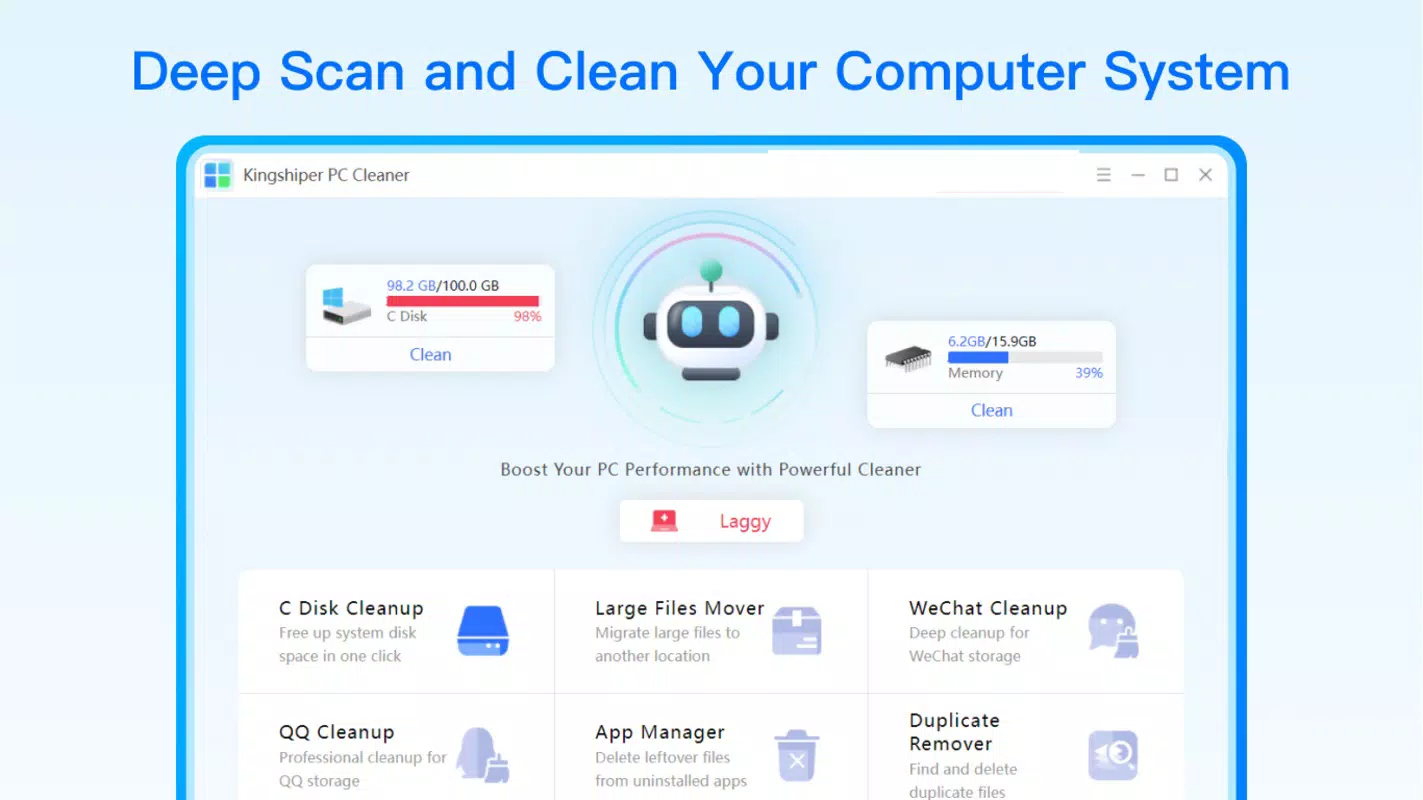
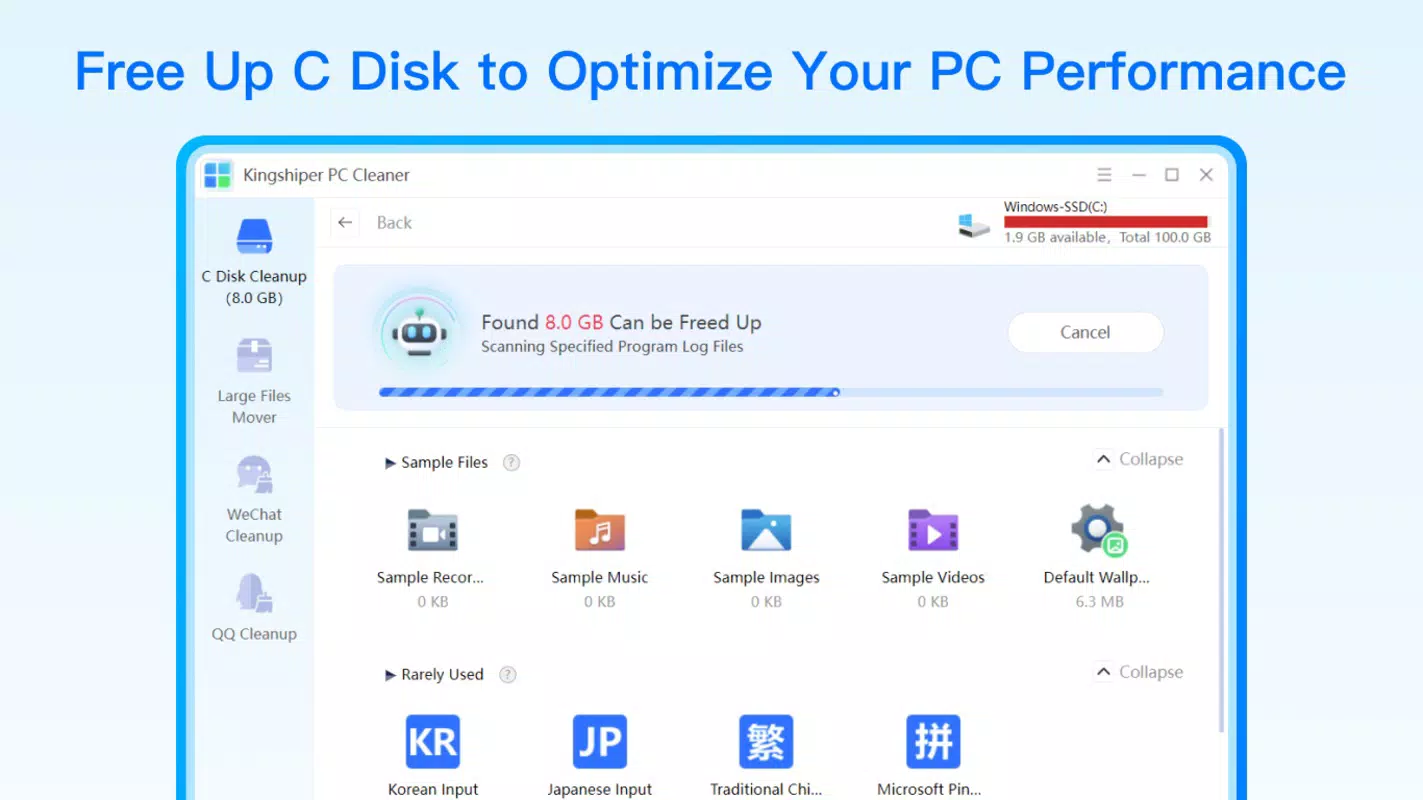
- C Drive Cleanup: Removes temporary, cache, and junk files from the system drive, helping to free up space and improve system responsiveness. This is especially useful for users with limited C drive capacity.
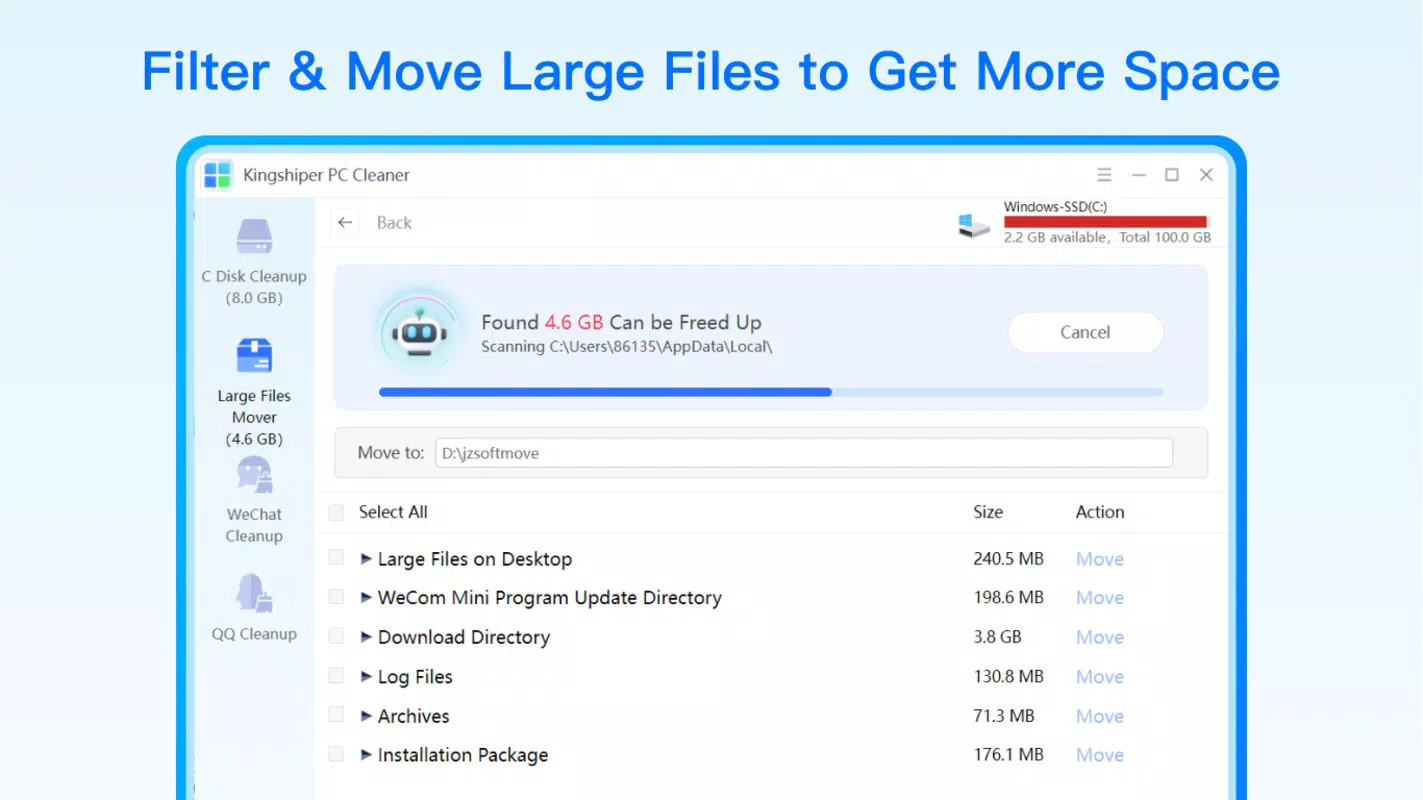
- Large Files Mover: Identifies large files across the system and allows users to relocate them to other drives, enabling smarter storage management and reducing pressure on the primary drive.
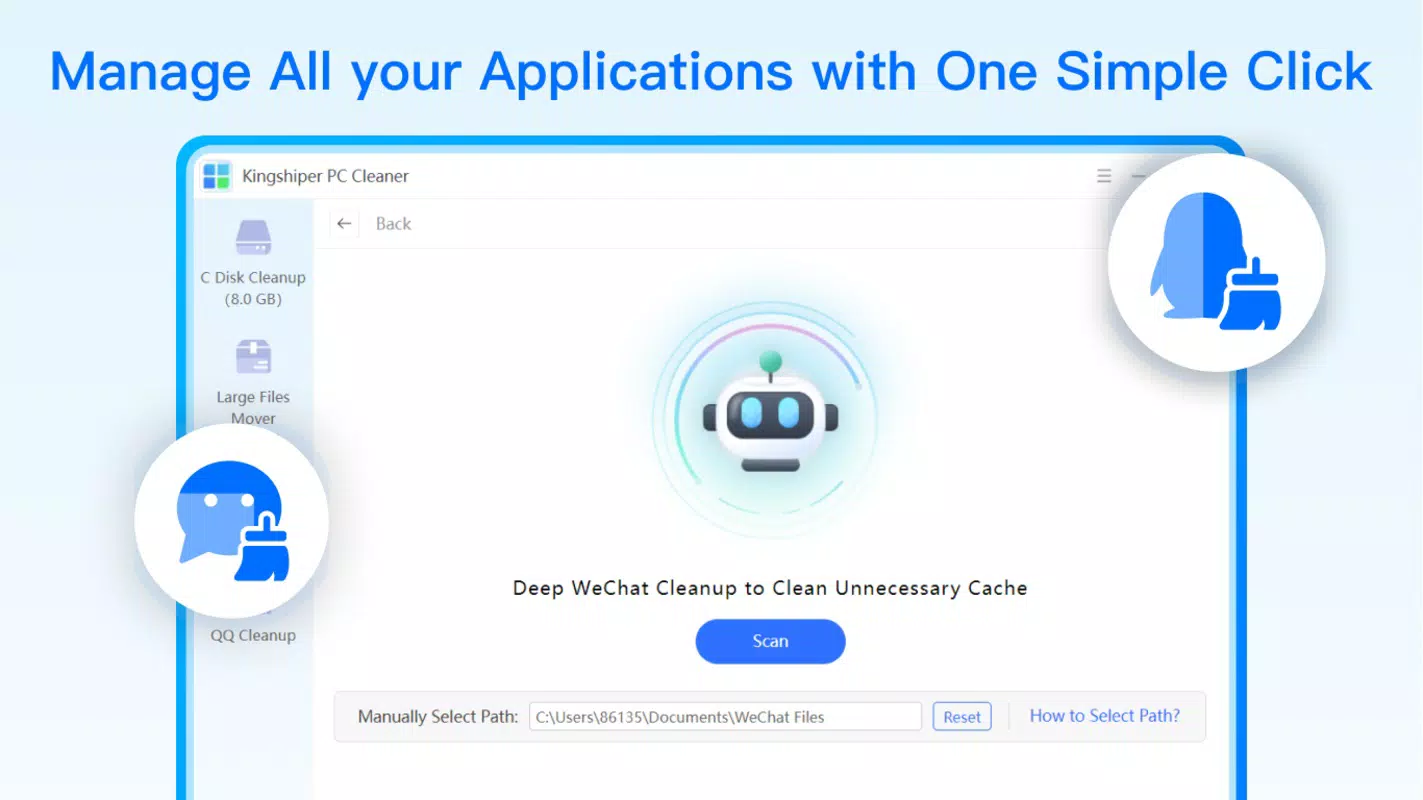
- WeChat Cleanup: Scans and organizes media files associated with WeChat, such as images and videos, helping users eliminate duplicates and reduce clutter in their chat histories.
- QQ Cleanup: Targets leftover data from the QQ messaging platform, including cached files and privacy-sensitive information, to enhance both performance and data security.
- App Manager: Provides tools to manage installed applications, including the ability to force uninstall problematic software and remove residual data, ensuring a cleaner digital workspace.
These features serve practical purposes in everyday computing. For example, a student using a laptop with a 128GB SSD can use the Large Files Mover to relocate large project files to an external drive. A professional managing multiple WeChat groups can use the WeChat Cleanup to remove outdated media and reclaim gigabytes of space. Similarly, users experiencing slow performance due to leftover app data can use the App Manager to resolve lingering issues. Each function is designed to deliver measurable improvements without requiring advanced technical knowledge.
Interface, UX & Performance
The user interface of Kingshiper PC Cleaner appears to be designed with simplicity and clarity in mind. Navigation is likely structured around a central dashboard that displays key cleanup options, allowing users to access features with minimal clicks. The visual style emphasizes functionality over ornamentation, using clear icons and labeled buttons to guide users through each process.
Navigation flow appears to be linear and intuitive, with step-by-step prompts for each cleanup task. This design supports users with limited technical experience, reducing the risk of accidental data deletion. The app’s responsiveness is expected to be consistent across various Windows device categories, including desktops, laptops, and compact systems, though specific performance benchmarks were not provided by the developer.
Although the developer did not list formal performance metrics, the app’s lightweight size of 42.4 MB suggests it is optimized for efficient operation without consuming significant system resources. Stability is likely maintained through focused functionality, avoiding bloatware-like behaviors. Users can expect smooth operation during scans and cleanup tasks, with minimal impact on background processes. The overall user experience is tailored to deliver quick results with minimal friction.
Platform Compatibility & Technical Requirements
Kingshiper PC Cleaner is designed for the Windows platform and is compatible with current and recent versions of the operating system. The app’s software version is 2.1.2, and it has a file size of 42.4 MB, indicating a compact and lightweight installation. This makes it accessible for users with limited bandwidth or older hardware.
While the developer did not specify minimum OS requirements, the app is expected to run on standard Windows environments, including Windows 10 and Windows 11. Compatibility with 32-bit or 64-bit architectures was not disclosed. Users should ensure their system meets general Windows application requirements, though no specific hardware or RAM thresholds were mentioned. The app does not require administrative privileges for basic operations, though certain features like App Manager may require elevated access.
Pros and Cons
Pros
- Targeted cleanup tools for common system issues, especially C drive congestion.
- Specialized features for popular messaging apps like WeChat and QQ.
- Intuitive interface suitable for non-technical users.
- Lightweight installation at only 42.4 MB.
- Free to download and use with no in-app purchases.
Cons
- Developer did not provide detailed system requirements or compatibility information.
- No visible update history or changelog within the app interface.
- Feature descriptions are limited to basic functionality without advanced customization options.
- Performance benchmarks or real-time monitoring tools were not listed.
- Support for non-Windows platforms was not mentioned.
FAQ
Is Kingshiper PC Cleaner safe to use?
The app is designed to remove temporary and redundant files, not system-critical data. However, users should review files before deletion and avoid using it on systems with sensitive configurations.
Does Kingshiper PC Cleaner require admin rights?
Basic cleanup functions may run without elevated privileges, but features like App Manager may require administrative access to uninstall software.
Can I use this app on older versions of Windows?
While the developer did not specify compatibility, the app is likely to work on Windows 10 and Windows 11. Support for older versions like Windows 7 or 8 was not confirmed.
How often should I run the cleanup tools?
Users can run the cleanup tools as needed, especially after installing large applications or when experiencing slow performance. Weekly or monthly checks are recommended for maintenance.
Is the app available for Android or iOS?
The app is currently designed for Windows only. There is no official version available for Android or iOS devices.
Final Thoughts
Kingshiper PC Cleaner delivers a focused, practical solution for users seeking to improve their Windows PC’s performance through targeted cleanup. Its specialized tools for C drive optimization, messaging app data, and app management make it a valuable utility for both everyday users and professionals managing multiple digital workspaces. The lightweight design, free pricing model, and intuitive interface enhance its accessibility and usability.
While it lacks advanced customization and detailed technical documentation, its core features are well-suited for users who want a straightforward way to reclaim disk space and boost system efficiency. For anyone dealing with cluttered drives or sluggish performance, this tool offers a reliable and secure way to maintain a clean and responsive environment.
Download Kingshiper PC Cleaner now


